

Snip press kit
A description, key facts, the app icon and screenshots for writing about Snip. For questions and interviews, write to snipfeedback@gmail.com.
About Snip
In one sentence
Snip — AI background remover, object eraser and photo enhancer for iPhone, iPad and Mac. One subscription for all your Apple devices.
Short description
Snip is an AI photo app for iPhone, iPad and Mac made by independent developer Ilya Razuvaev. It removes backgrounds, erases people and objects, and sharpens and upscales photos. On iPhone and iPad, Snip adds templates, an editor and batch mode, and processes photos on its server. Snip for Mac runs entirely on the device, works offline and copies text from any part of the screen. Snip has been on the App Store since 2021, and one subscription unlocks PRO on all Apple devices.
Name and spelling
Write the name as “Snip”. The App Store listing may show a longer title, such as “Remove Background - Snip BG”. Snip is not related to Windows Snipping Tool or Mathpix Snip.
Fact sheet
- Name
- Snip
- Developer
- Ilya Razuvaev, independent developer
- Platforms
- iPhone, iPad and Mac — one App Store app
- First release
- April 2021
- Requirements
- iOS and iPadOS 15.0 or later; macOS 15.6 or later, Apple Silicon and Intel
- App Store ID
- 1561559135
- Category
- Graphics & Design
- Price
- Free download with daily limits. PRO: $9.99 a month, $19.99 a year or $39.99 once (US App Store)
- Rating
- 4.7 on the US App Store, 1,200+ ratings
- Website
- sniperaser.com
Key features
Snip is one app, but it works differently on iPhone and Mac. Please keep these differences in mind when describing it.
iPhone and iPad
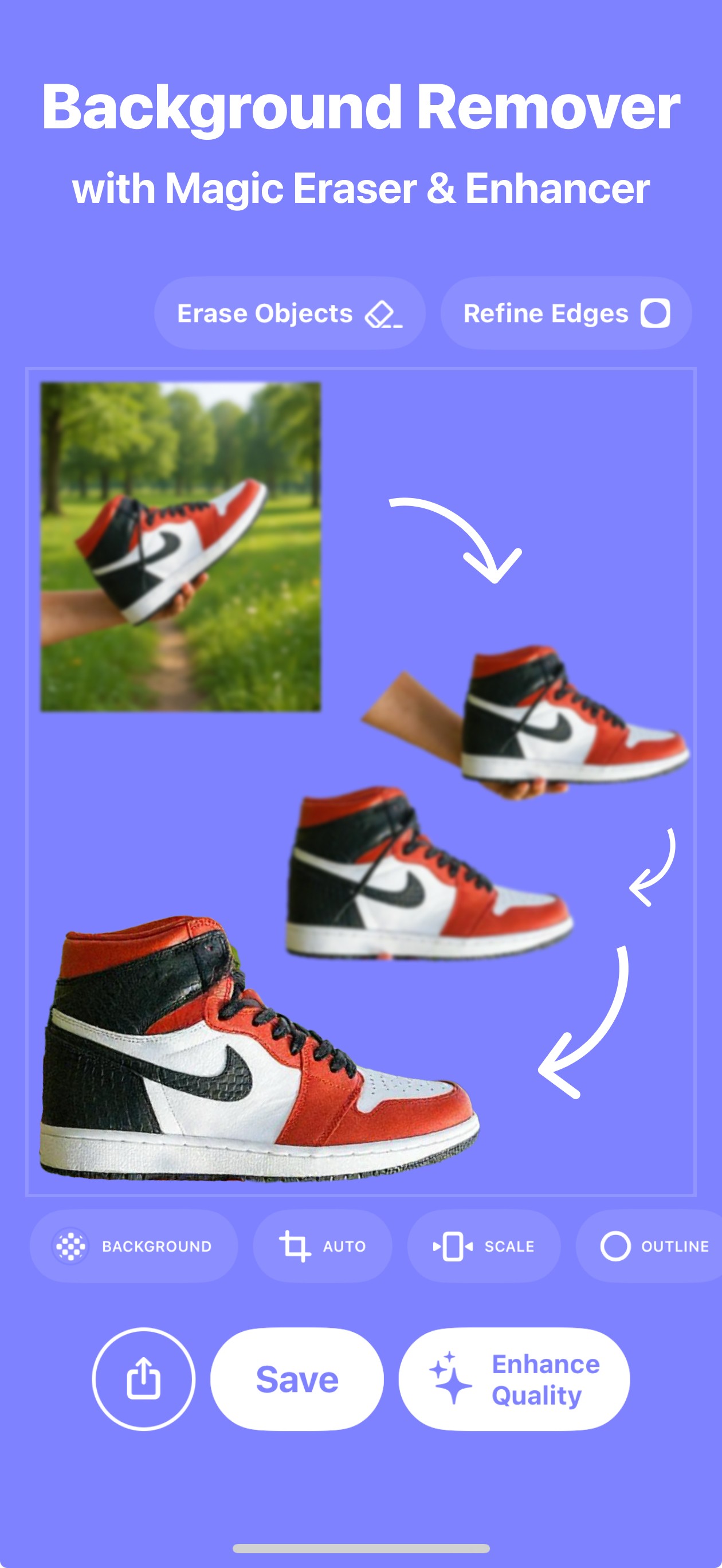
- Background removal: 3 free photos a day, PNG export up to 4096 px (8192 px with PRO)
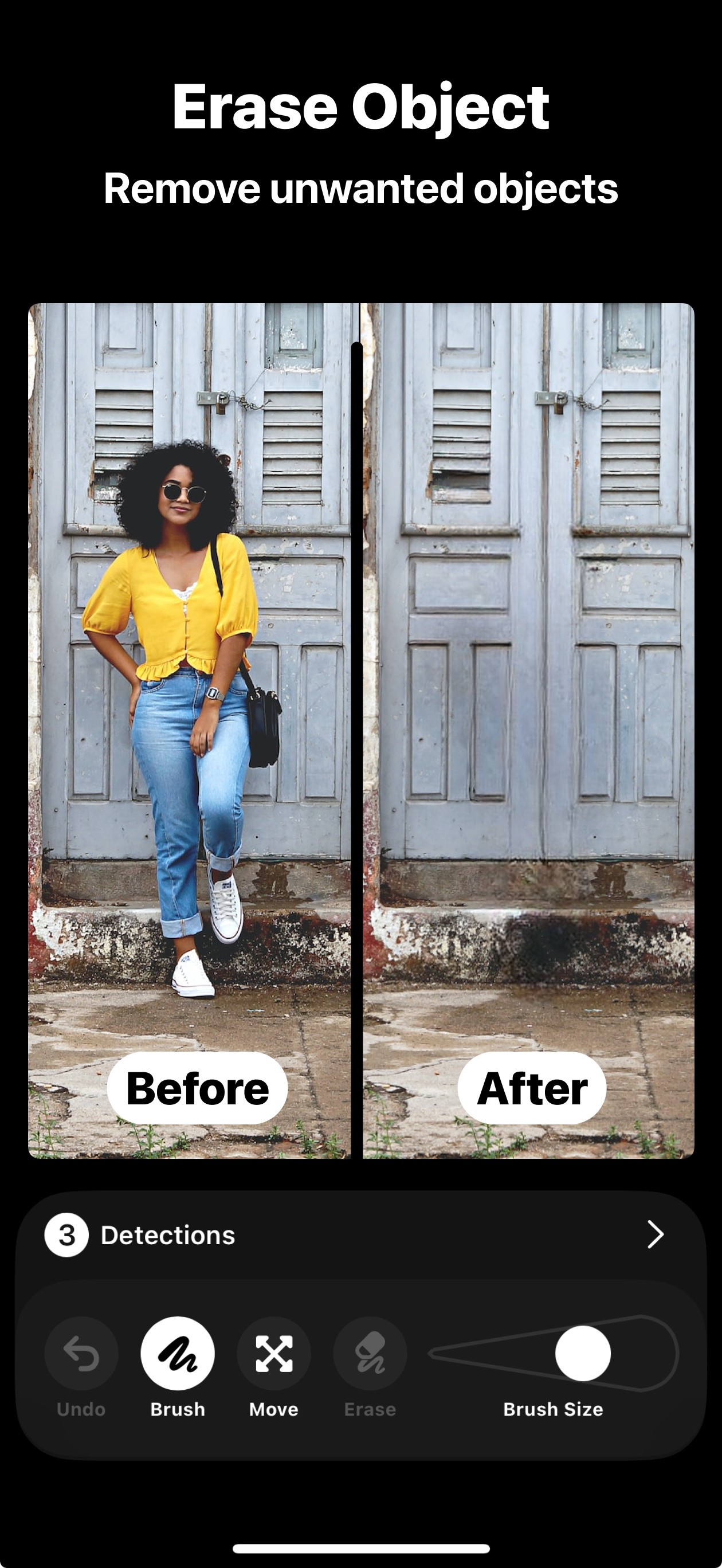
- Object and people eraser with tap-to-select for detected objects and text (PRO)
- Enhance and unblur up to about 4096 px (PRO)
- Camera, crop sizes for social media; templates and graphic editor (PRO)
- Batch mode for up to 10 photos (PRO)
- Photos are processed on Snip’s server; an internet connection is required
Mac
- Background removal, object eraser and upscaling up to 8192 px — all on the device
- Works offline; photos never leave the Mac
- Copy text from any part of the screen with ⇧⌘8 (free)
- Capture a screen area with ⇧⌘2
- Batch processing (PRO)
- 3 free edits a day; ×2 upscaling and Balanced eraser quality are free, text recognition doesn’t count
Icon and screenshots
Free to use in articles, reviews and videos about Snip. Please don’t change the icon’s shape or colors.

iPhone screenshots
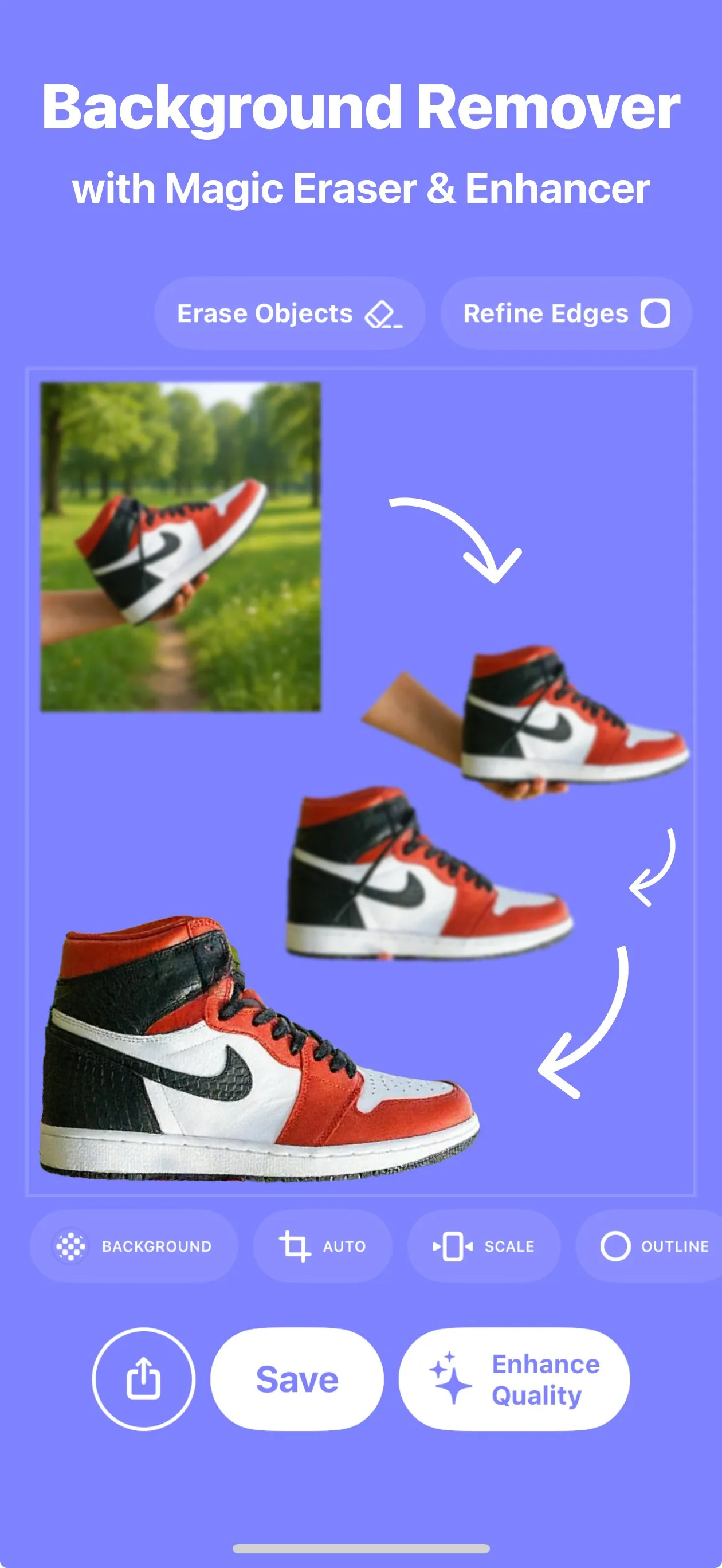
Background remover
Download JPG: Background remover, iPhone1260 × 2736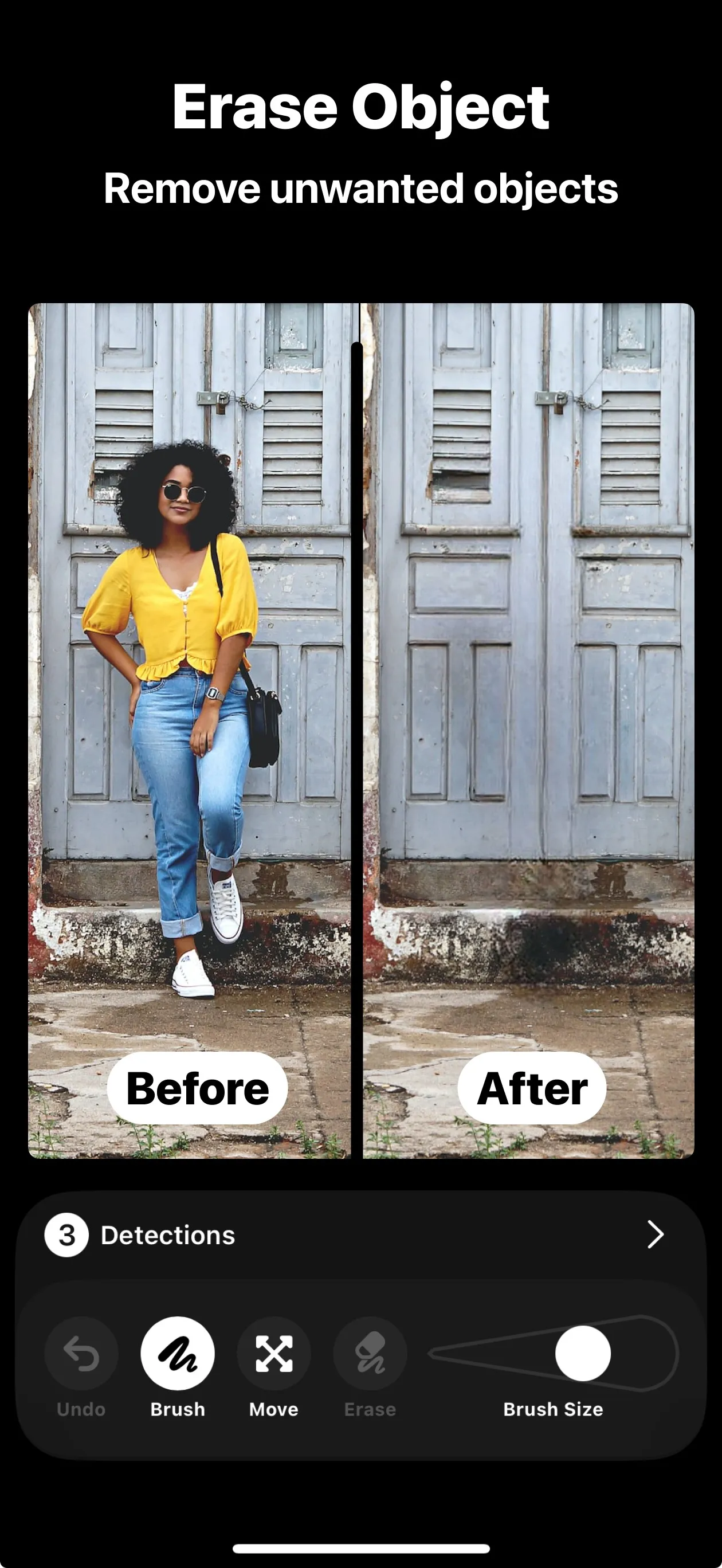
Object eraser
Download JPG: Object eraser, iPhone1260 × 2736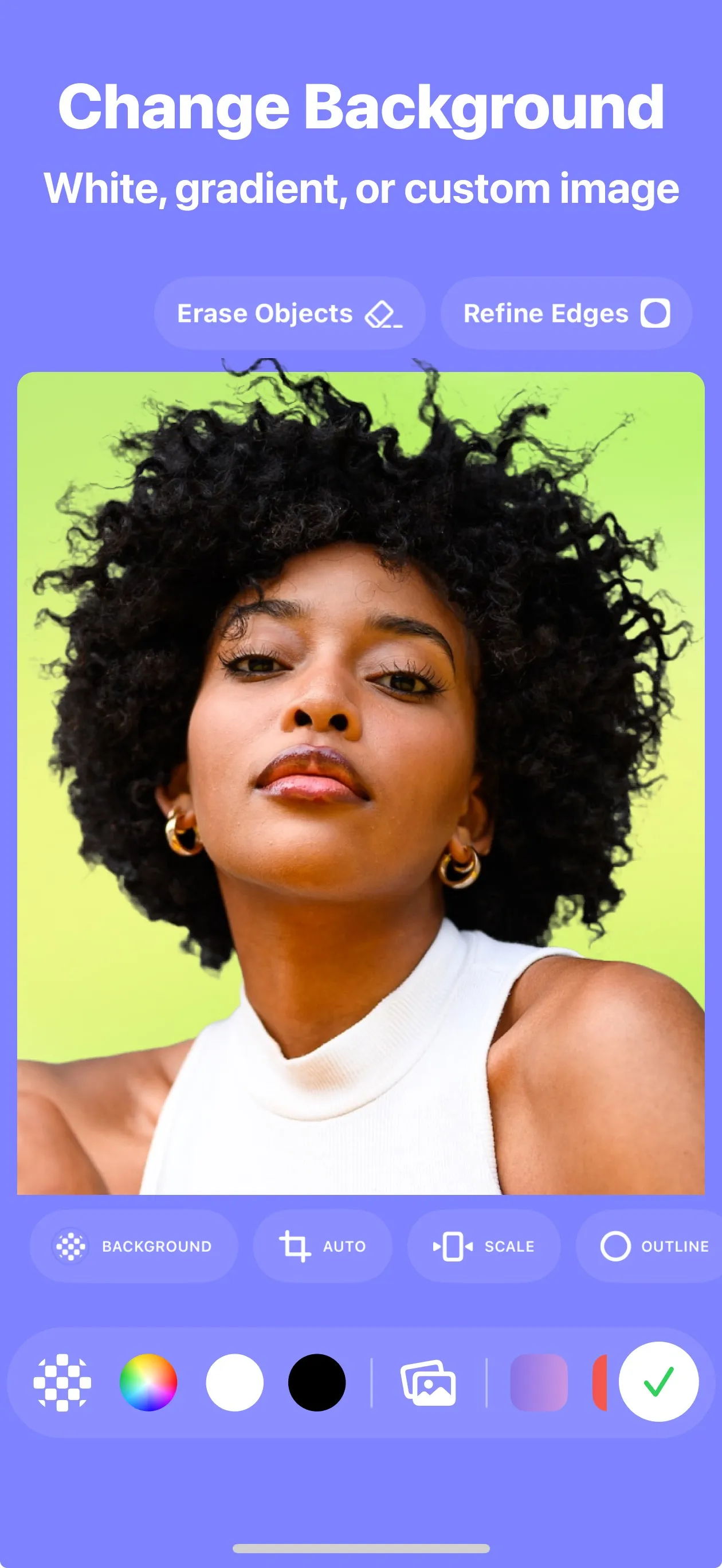
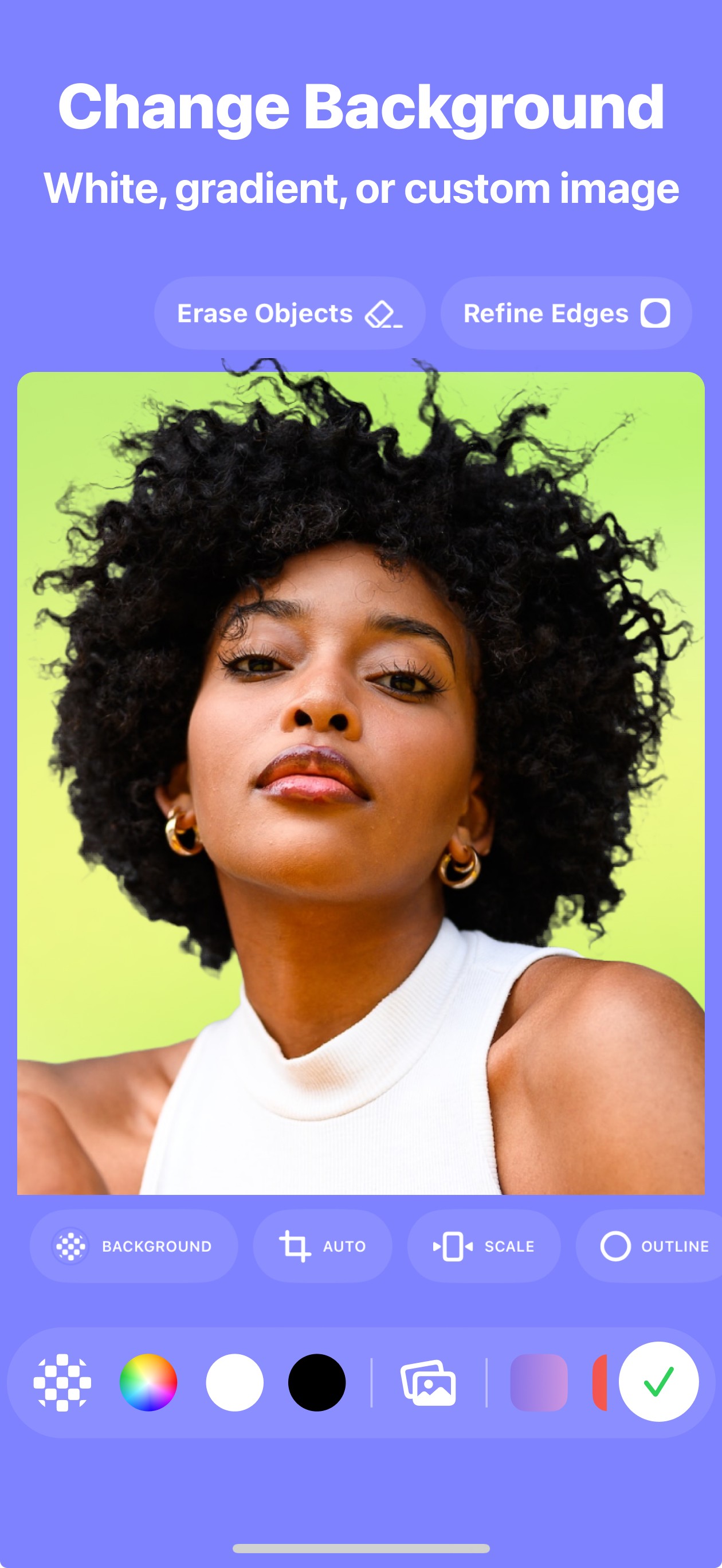
New background
Download JPG: New background, iPhone1260 × 2736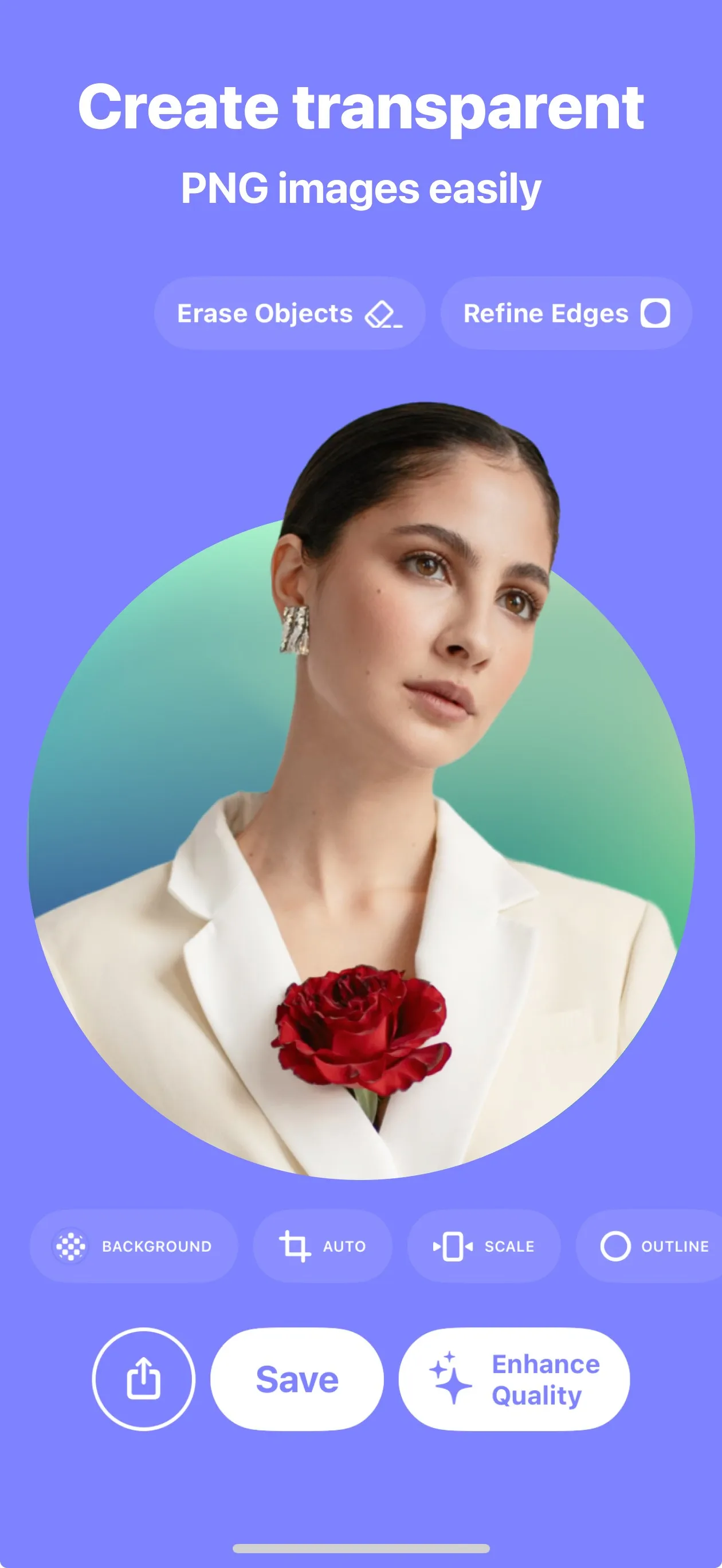
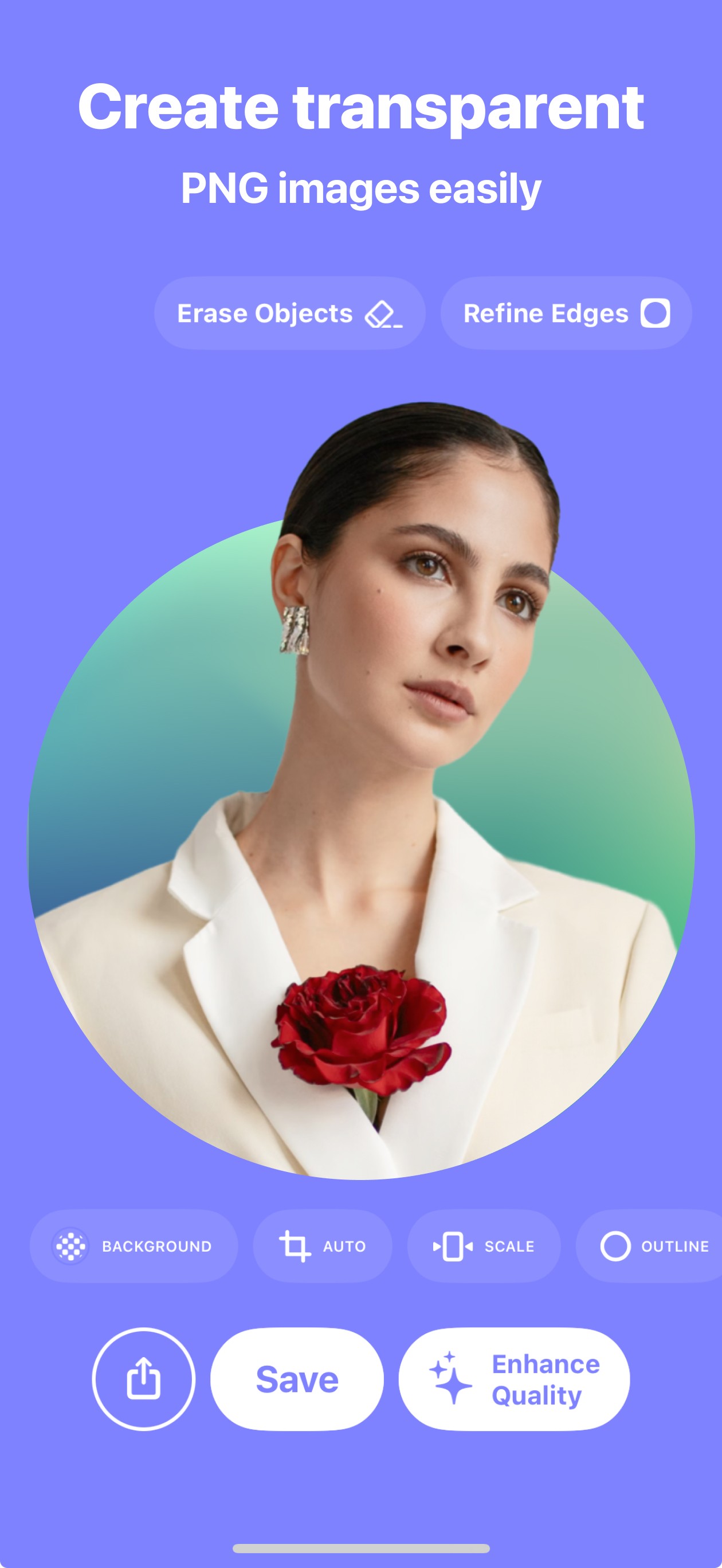
Transparent PNG
Download JPG: Transparent PNG, iPhone1260 × 2736
Batch mode
Download JPG: Batch mode, iPhone1260 × 2736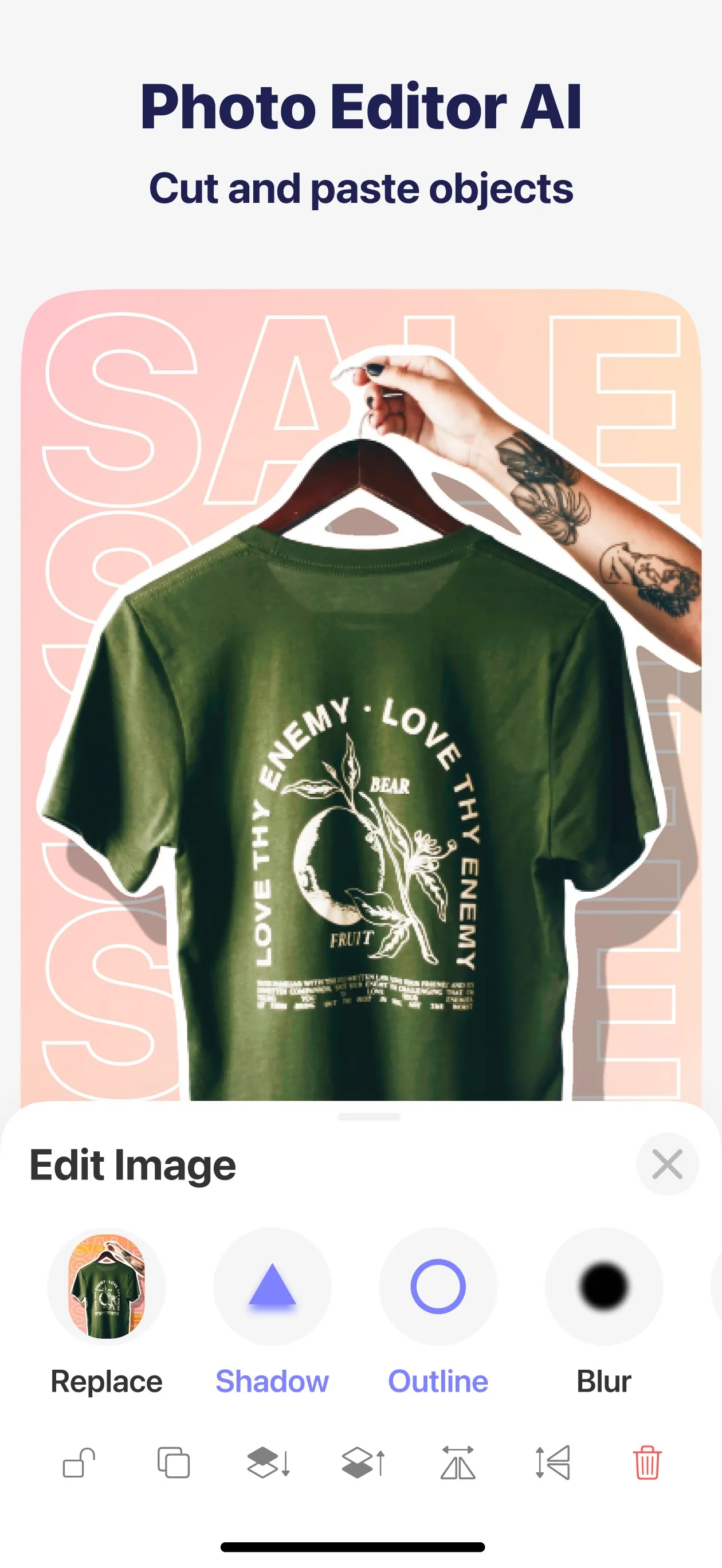
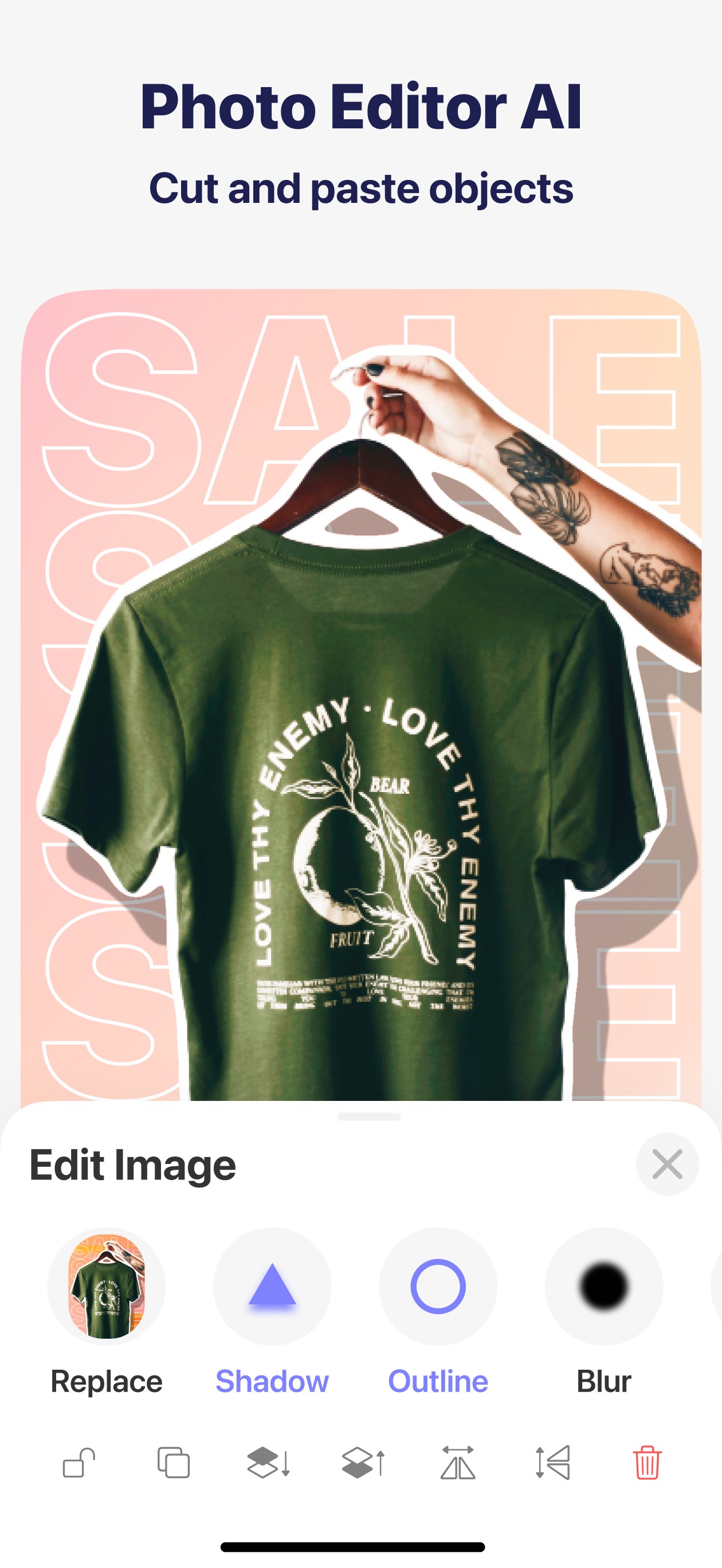
Editor
Download JPG: Editor, iPhone1260 × 2736


Mac screenshots
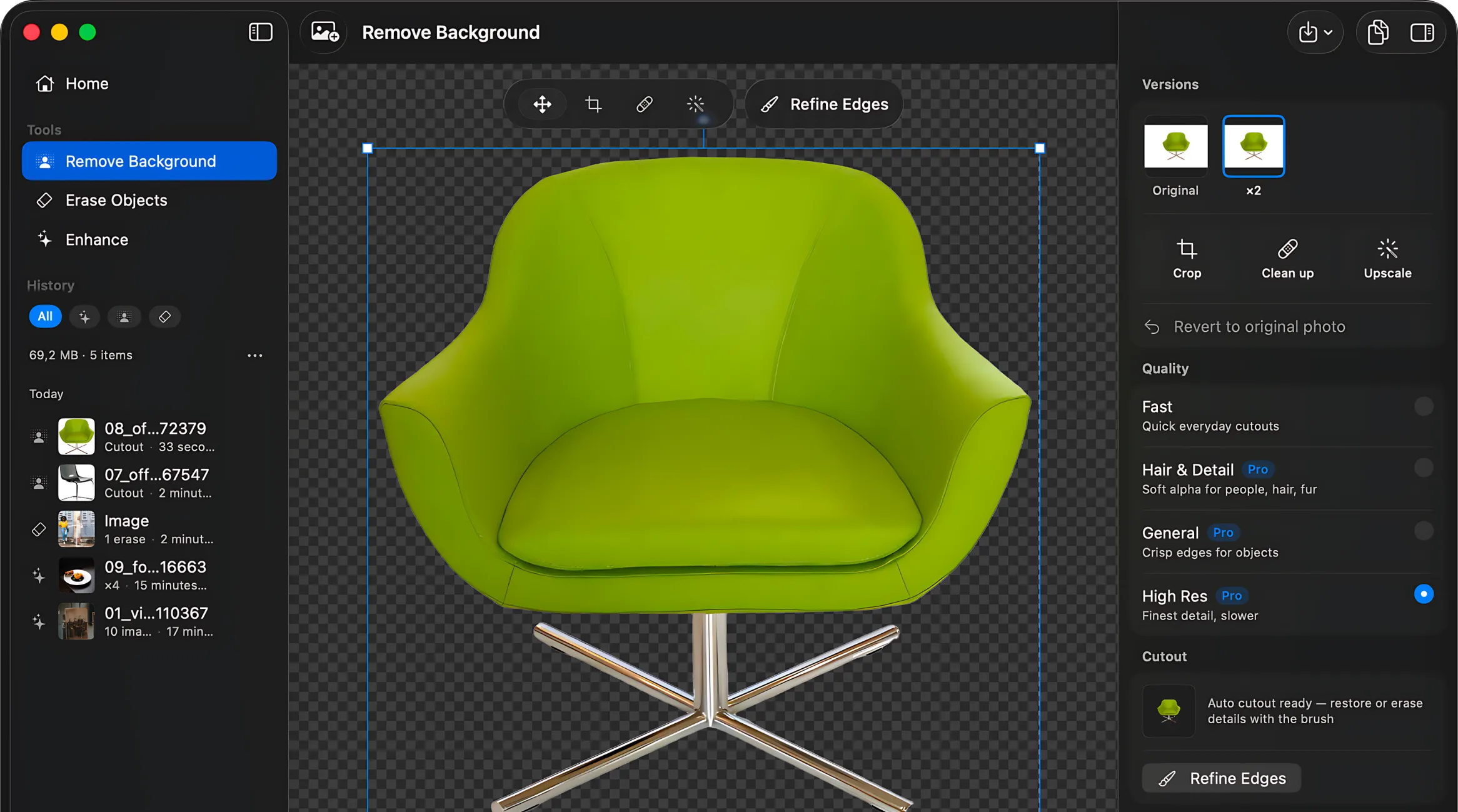
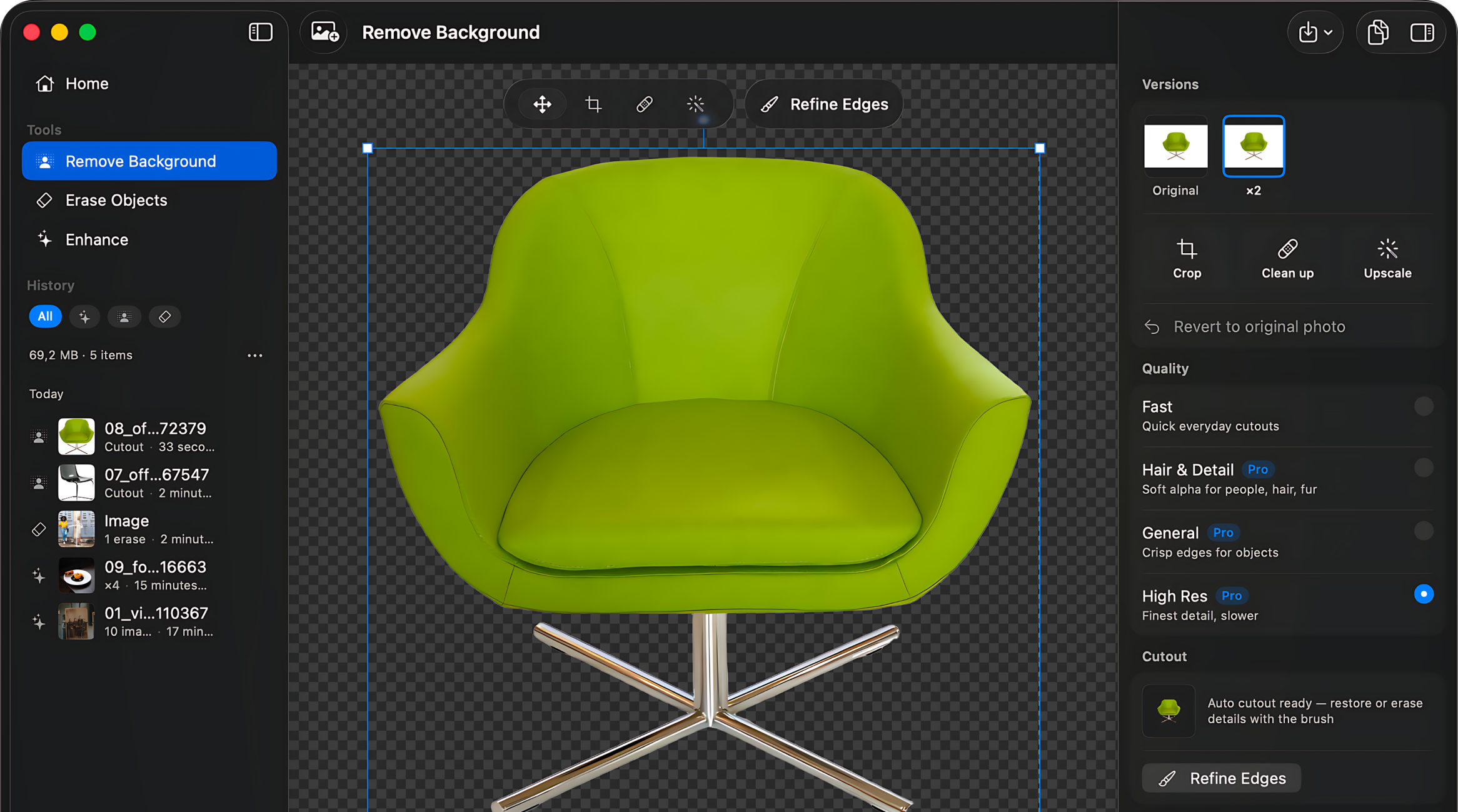
Background remover
Download PNG: Background remover, Mac2332 × 1299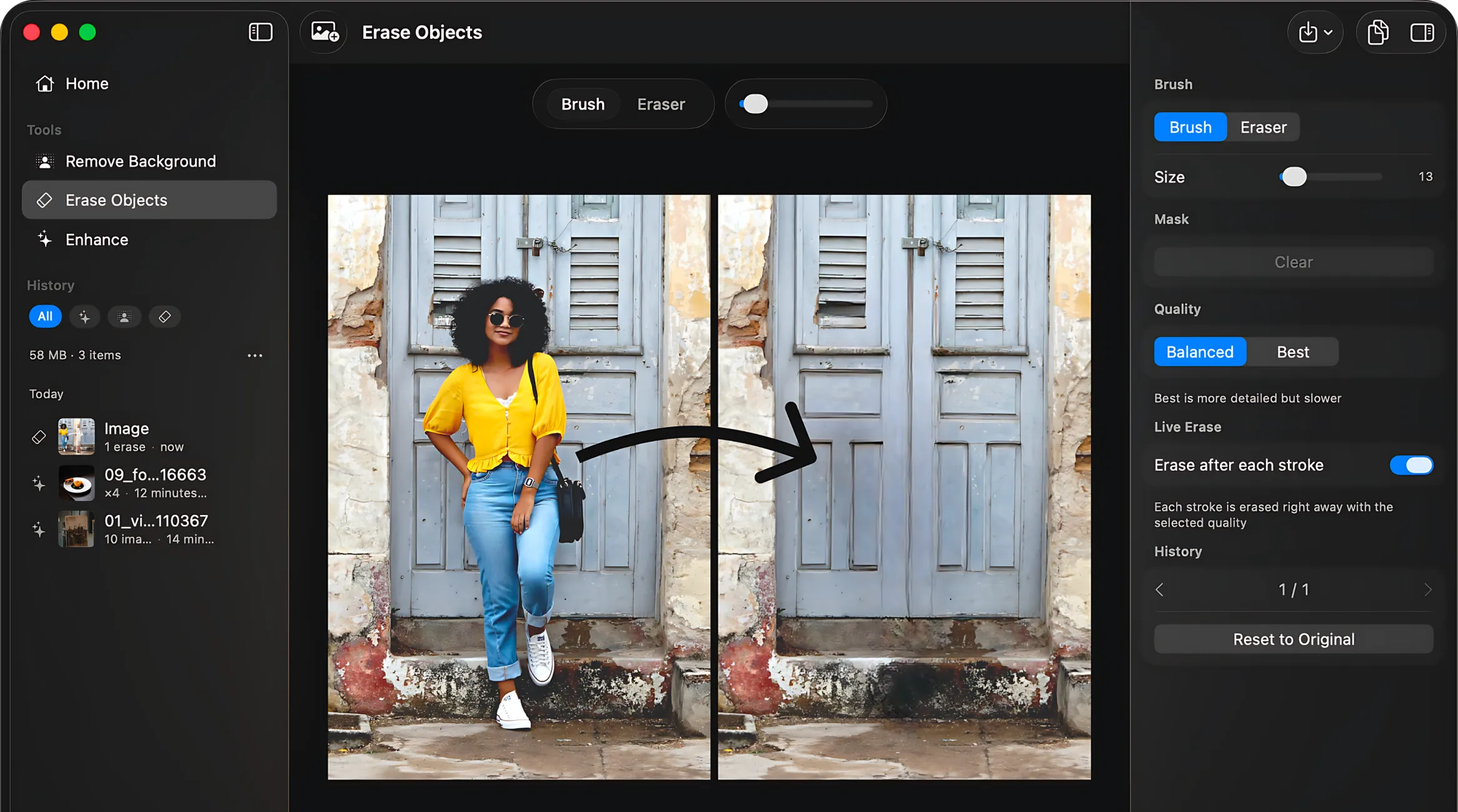
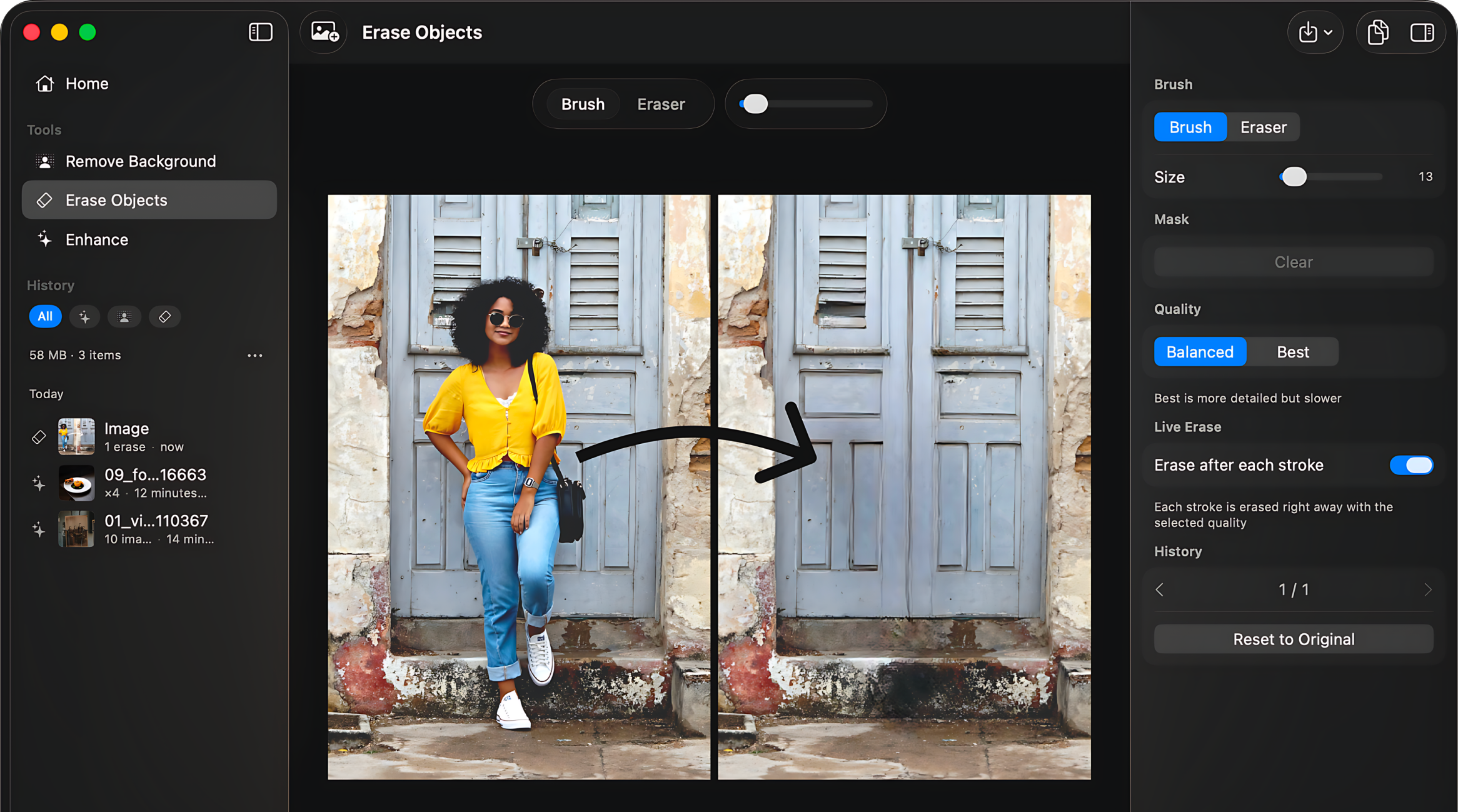
Object eraser
Download PNG: Object eraser, Mac2332 × 1299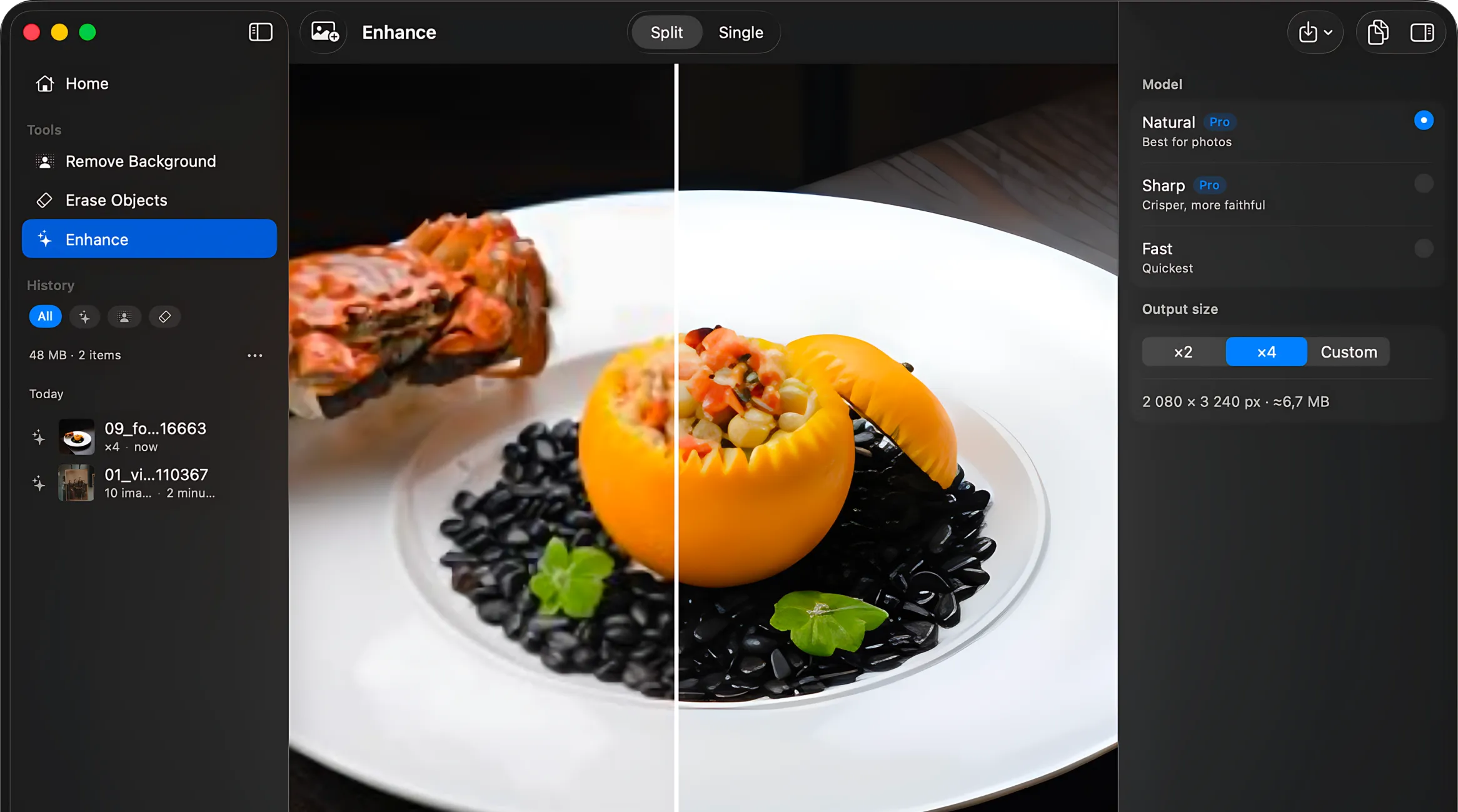
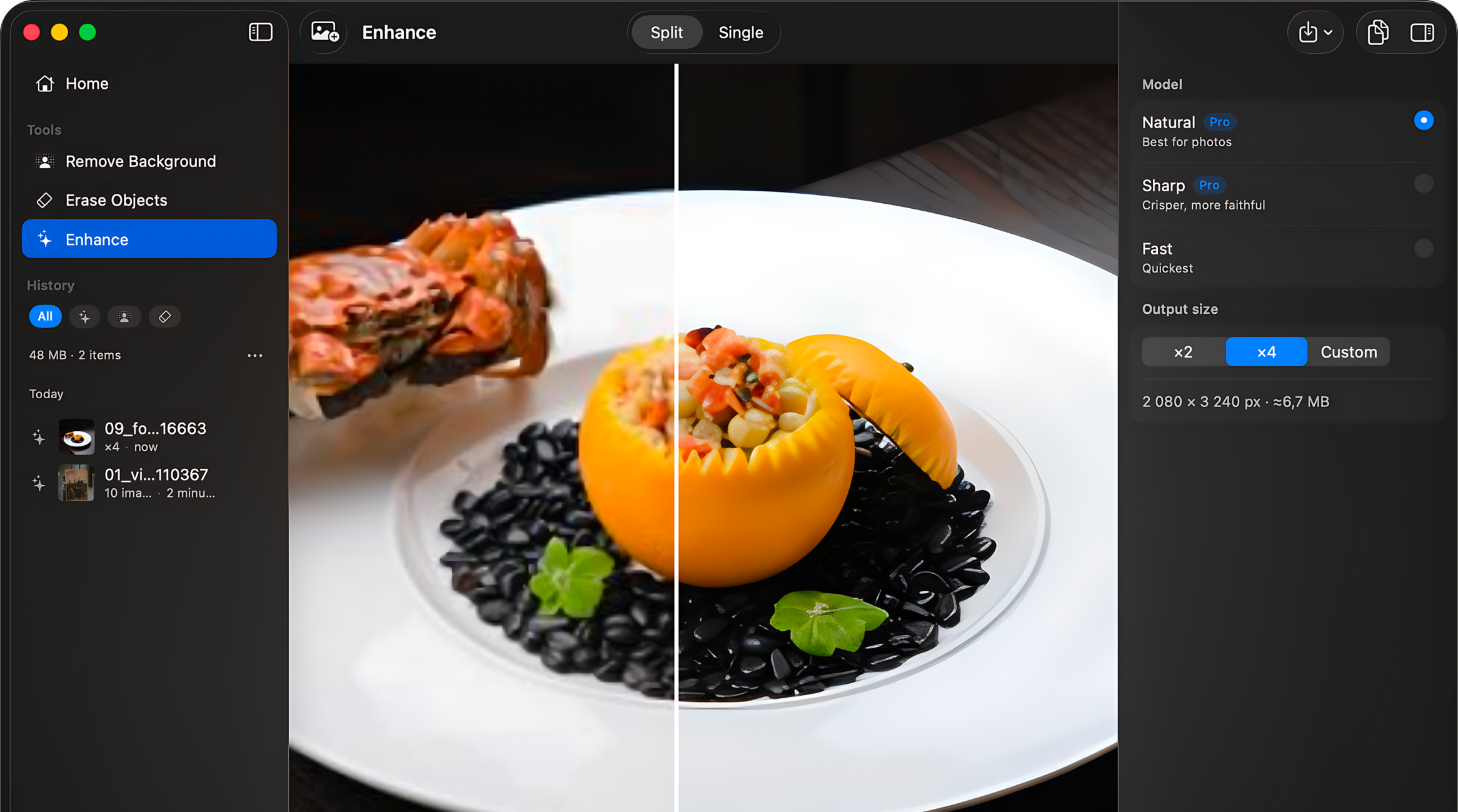
Enhance and upscale
Download PNG: Enhance and upscale, Mac2332 × 1299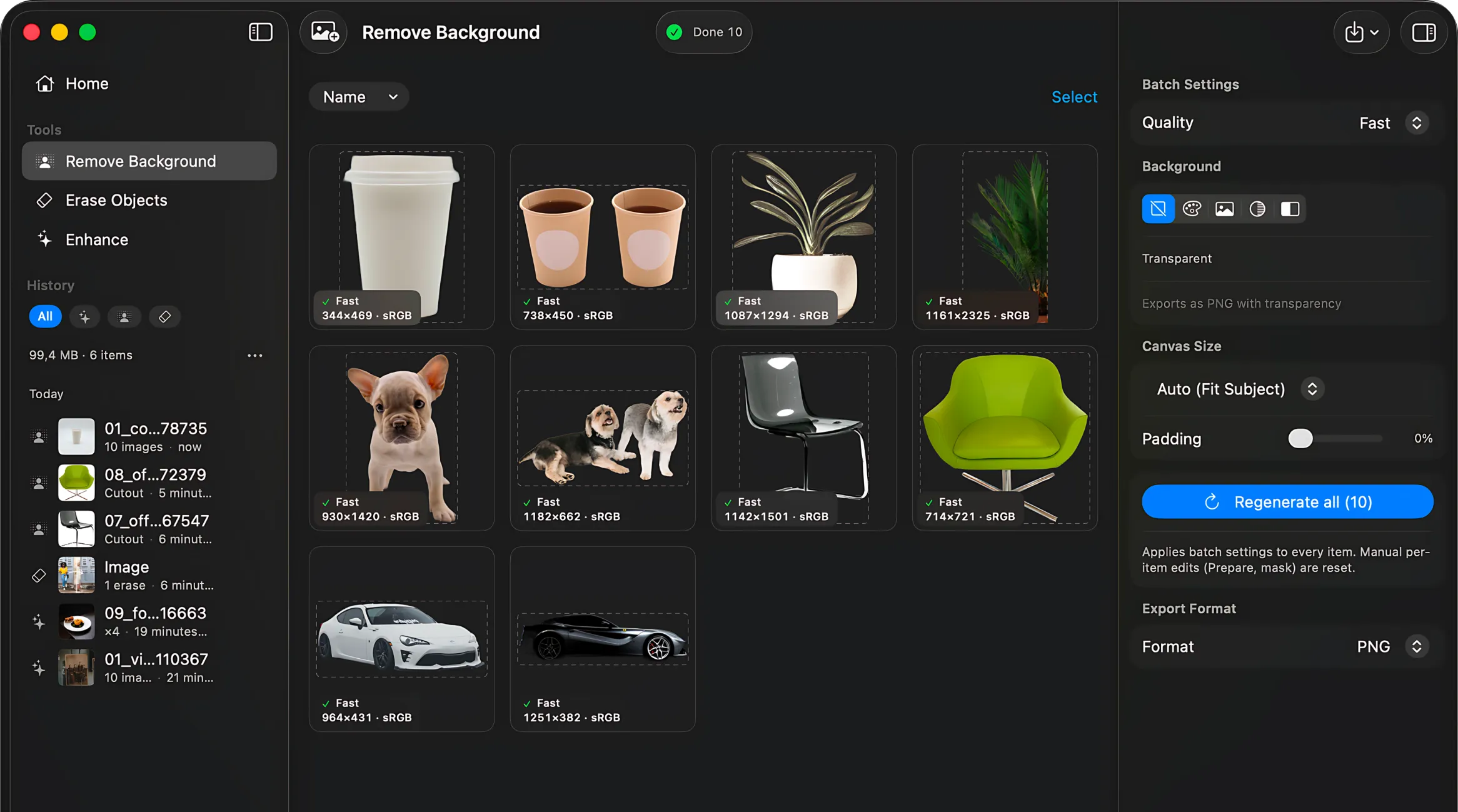
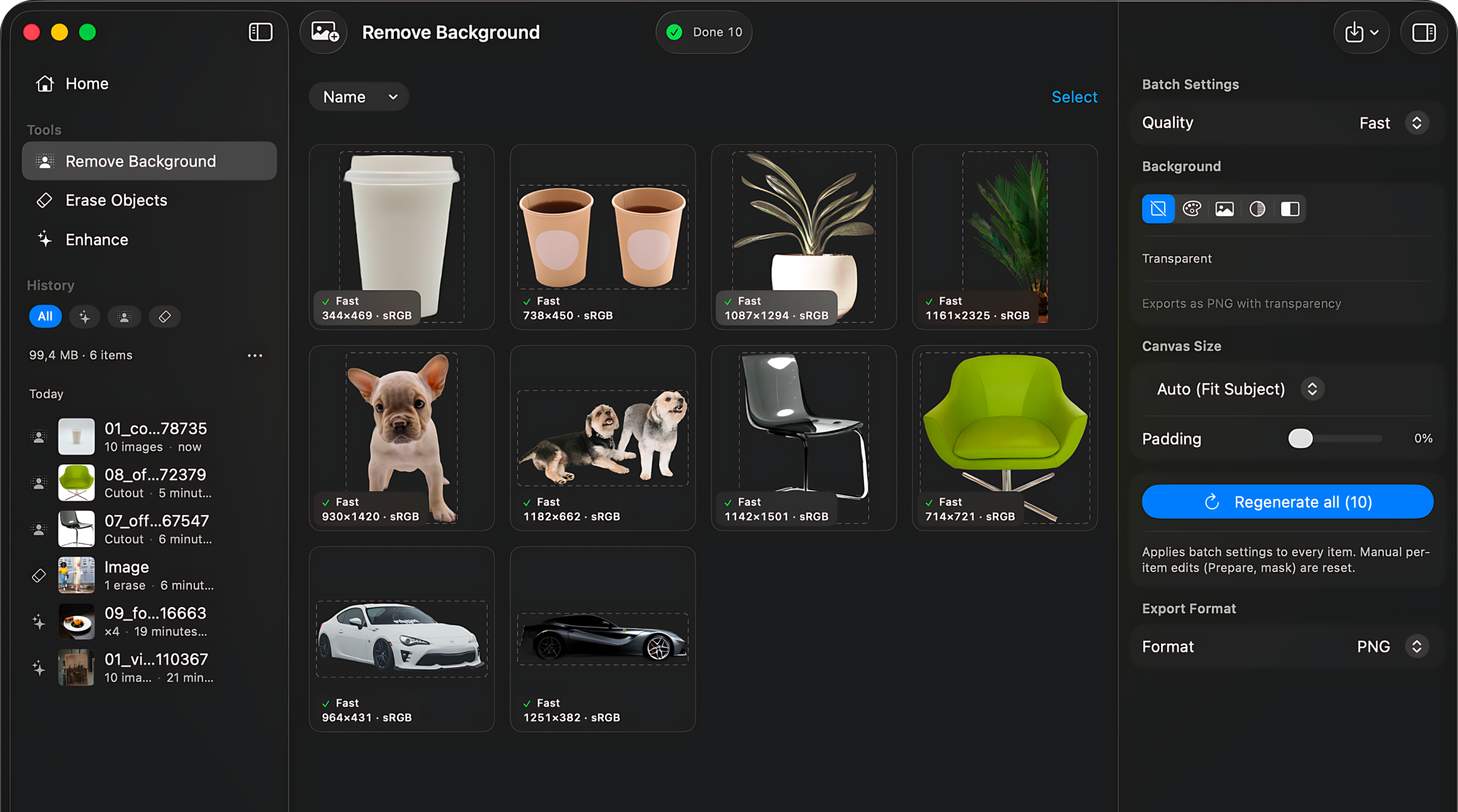
Batch processing
Download PNG: Batch processing, Mac2332 × 1299




Press contact
Ilya Razuvaev, snipfeedback@gmail.com. More about the app and its developer is on the About page.